Count the cables on your nightstand right now. If you're like most people, there's a phone charger — maybe two — a lamp cord, possibly earbuds, and a separate alarm clock that you've had since college. That tangle of cords is the first thing you see every morning and the last thing you see every night. It's a small problem, but it's a daily one.
A 3-in-1 wireless charging alarm clock solves it in one object. One device replaces the phone charger, the alarm clock, and the thermometer that tells you whether to grab a jacket before you leave the house. The version we're looking at here does all three cleanly, costs $38, and fits on any nightstand without taking over the whole surface.
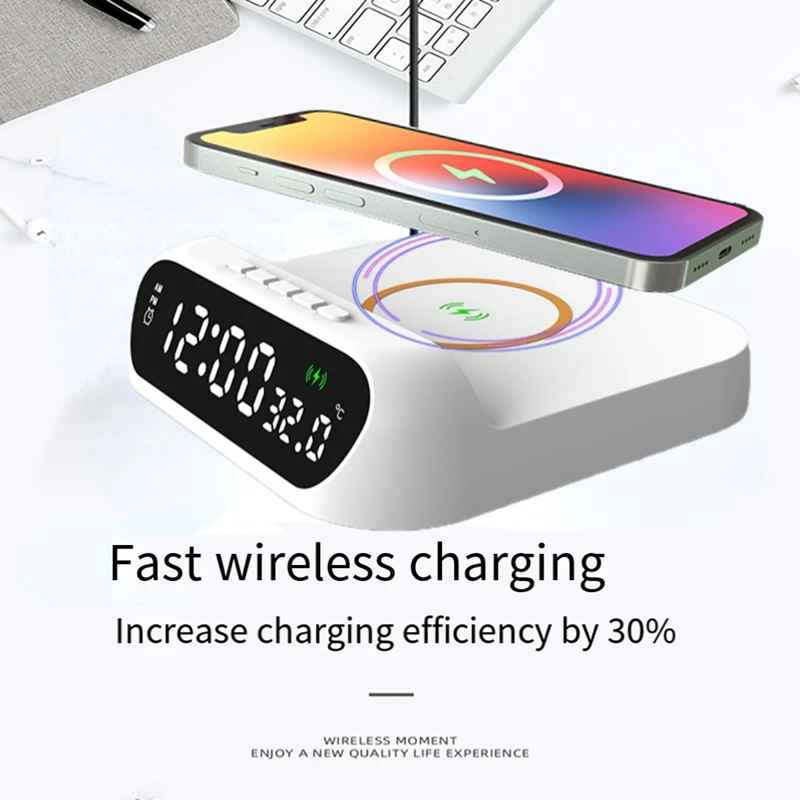
What Is a 3-in-1 Wireless Charging Alarm Clock?
The concept is simple: instead of buying three separate items for your nightstand — a wireless charging pad, a digital alarm clock, and a thermometer — you get a single device that handles all three jobs. The charging pad sits on top. The digital display faces you from across the room. The temperature sensor reads the ambient air in your bedroom throughout the night.
What makes this particular model worth recommending isn't just that it bundles three functions — it's that it does all three competently. A lot of combination gadgets sacrifice quality in one area to justify combining another. This one doesn't. The charging output is a genuine 15W fast charge (not a relabeled 5W), the display is crisp and readable from a normal lying-in-bed distance, and the thermometer is accurate enough to be useful rather than decorative.
The design is white and minimal. It sits on your nightstand without demanding attention, which is exactly what a nightstand device should do.
Who Is This For?
Minimalists who want a clean nightstand
If you've ever looked at your nightstand and felt vaguely annoyed without being able to articulate why, the cable tangle is probably the culprit. Going from three items plus multiple cables down to one device with a single power cord is a genuinely satisfying simplification. The white casing and clean lines make it look intentional rather than improvised.
Phone users who charge overnight
Most people charge their phone overnight, which means a wireless charger on the nightstand makes more sense than in any other room in the house. Combining that charger with an alarm clock is a natural pairing — you're already reaching for that spot every morning anyway. The 15W output means your phone is fully charged by the time you wake up, not just partially refilled.
People who track their sleep environment
Bedroom temperature has a measurable effect on sleep quality. The sweet spot for most adults is somewhere between 65°F and 68°F (18°C–20°C). Having a thermometer at eye level from your bed — one you're already looking at to check the time — means you can actually act on that information instead of guessing. The Celsius/Fahrenheit toggle makes it useful regardless of where you grew up.
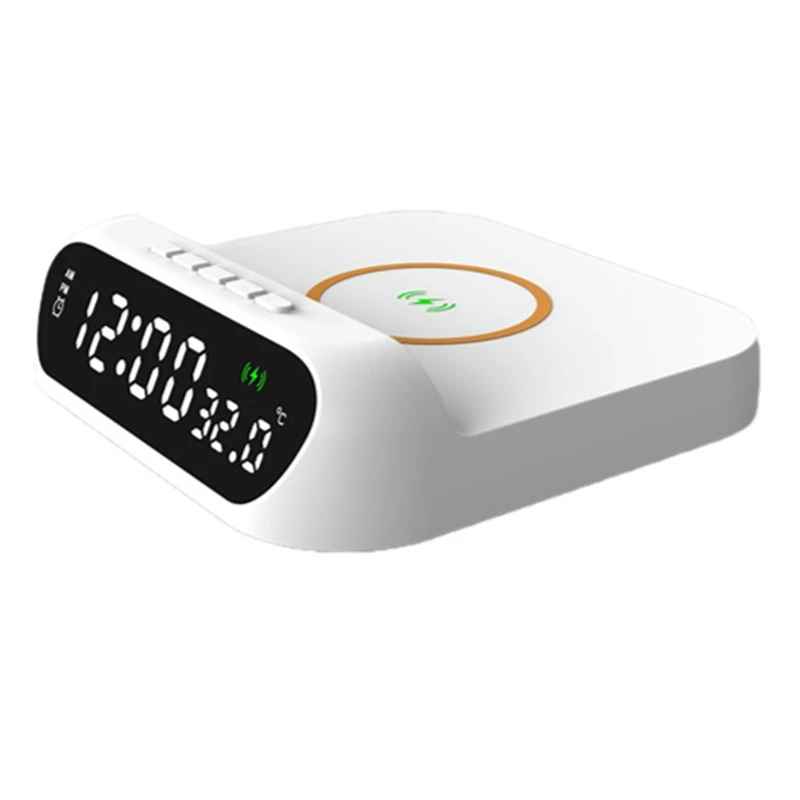
Why This Clock Works: The Details That Matter
There are dozens of "3-in-1" charging clocks on the market. Most of them are disappointing for reasons that aren't obvious from the product listing. Here's what separates this one:
- 15W Qi fast charging, not 5W relabeled. Standard Qi charging runs at 5W. Some chargers claim "fast charging" but cap out at 7.5W for iPhones. This unit delivers a true 15W output to compatible Android phones and 7.5W to iPhones — you'll notice the difference on a morning when you forgot to plug in the night before.
- 12/24-hour display toggle. Sounds minor; matters a lot if you run on a 24-hour clock for work. One button press switches the display format.
- Celsius/Fahrenheit switch. Same logic — international users or anyone who's been medically conditioned to think in Celsius will appreciate not being stuck with one scale.
- Actual temperature readout, not an estimate. The built-in sensor reads room temperature directly. Some cheap units just display a fixed ambient estimate from an internal chip. This one updates with real readings, which is what makes it useful for tracking your bedroom climate.
- Clean white design. White on a nightstand looks intentional. It reads as a considered purchase, not something you grabbed because it was cheapest.
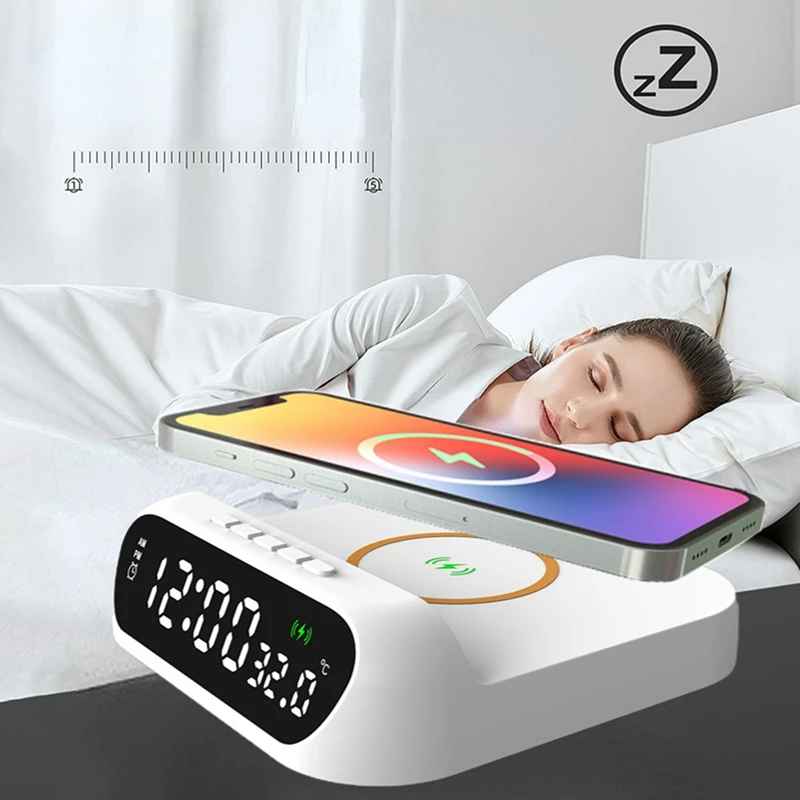
How to Set It Up
Setup takes about two minutes. Plug the included USB-C power adapter into the wall, connect it to the device, and place it on your nightstand. The display activates immediately and shows the current time (which you set once with the buttons on the back), the temperature, and the alarm indicator if you have one set.
To charge your phone: place it on the top surface, centered, face-up. The charging indicator lights up within a few seconds to confirm contact. No app, no pairing, no setup — just place the phone down and it charges. That's the fundamental appeal of wireless charging, and this device delivers it without friction.
Alarm setup uses two dedicated buttons on the device. The alarm tone is a gentle ascending sound — not the jarring buzz of cheap alarm clocks — and the volume can be adjusted to match how deeply you sleep.
Nightstand: Before vs. After
| Category | Typical Nightstand (Before) | With This Device (After) |
|---|---|---|
| Phone charger | Wired cable, often tangled | Wireless pad, no cable to the phone |
| Alarm clock | Separate device or phone app | Built in, independent of phone |
| Temperature | Check phone app or no data | Real-time bedroom reading, always visible |
| Number of devices | 2–4 items on the nightstand | 1 device, 1 power cord |
| Charging speed | Standard 5W wired or wireless | Up to 15W Qi fast charging |
| Morning info at a glance | Time only (or check phone) | Time + temperature, no screen unlock needed |
The table is a bit clinical, but it captures the real-world difference. The most underrated upgrade is having bedroom temperature visible without unlocking your phone — it's a small thing that changes a habit. Instead of fumbling for your phone to check the weather app, you glance at the clock and already know whether your room ran cold last night.
Shop These Picks on BigMoetsy
3-in-1 Wireless Charging Alarm Clock
$38.00 View product →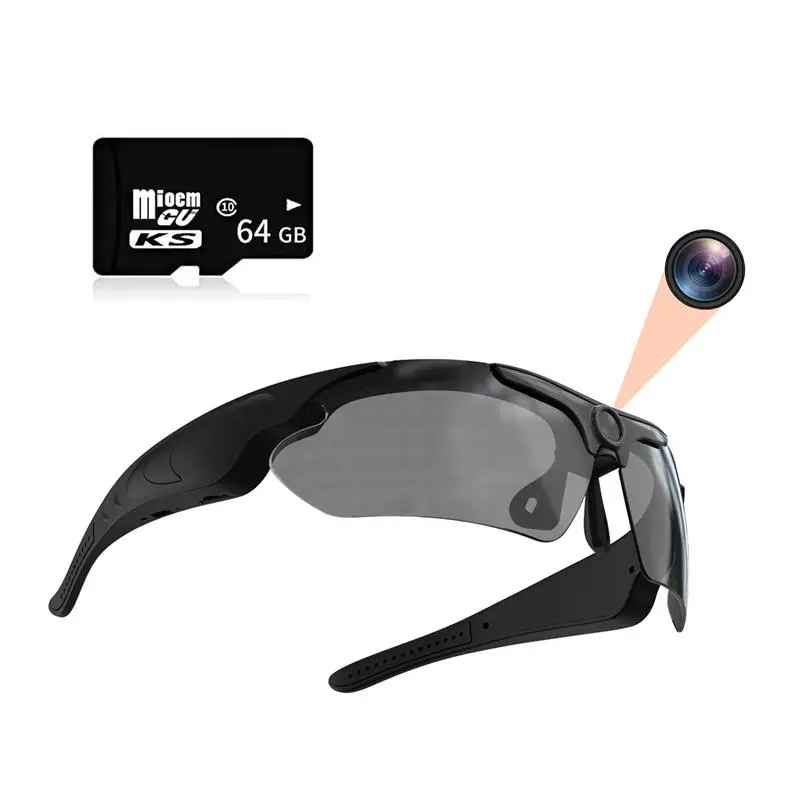
Smart Recording Glasses 1080p + 64GB
$75.00 View product →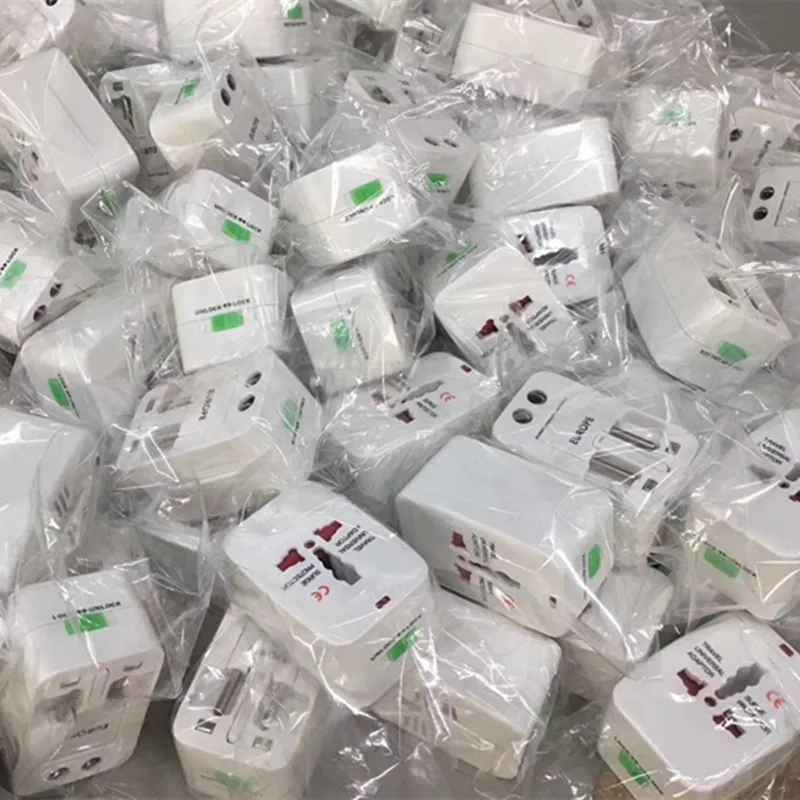
Universal Travel Adapter — 150+ Countries
$24.00 View product →
Galaxy Projector Night Light — 13-in-1
$52.00 View product →Clean up your nightstand
One device. One cable. Time, temperature, and 15W fast charging — all in a minimalist white design built for the space next to your bed.
Shop Tech GadgetsFrequently Asked Questions
Does this 3-in-1 wireless charging alarm clock work with all Qi-compatible phones?
Yes. This clock charges any Qi-compatible device, including iPhone 8 and later, Samsung Galaxy S6 and later, Google Pixel 3 and later, and most other modern Android phones released after 2018. It defaults to 15W output for phones that support it and automatically downregulates to 5W or 7.5W for phones with lower wireless charging limits.
Can the wireless charging alarm clock charge through a phone case?
Yes, in most cases. Wireless charging works through plastic, silicone, rubber, and thin leather cases up to about 3mm thick. Very thick cases, metal cases, or cases with magnetic inserts (like some wallet cases) can block or interfere with the charging signal. If you use a heavy-duty case thicker than 4mm, you may need to remove it for reliable charging.
Is the display too bright to sleep with?
The display brightness is adjustable across multiple levels and includes a night mode that dims automatically based on ambient light. Most users find the lowest brightness setting completely comfortable for sleeping. If you're particularly sensitive to light, the display can be set dim enough to read at a glance without lighting up the room.
What is the difference between 5W and 15W wireless charging?
5W is standard Qi wireless charging — the baseline that charges slowly and is typical on most budget wireless chargers. 7.5W is Apple's fast wireless standard for iPhones. 15W is the current fast wireless charging standard for compatible Android phones. In practical terms: 5W adds roughly 10–15% battery per hour. 15W can add 30–40% per hour, which means going from 30% to 80% overnight even if you plug in late.
Can I use this as just an alarm clock without wireless charging?
Absolutely. The alarm clock, time display, and thermometer functions all operate independently. You don't need to place your phone on the charging pad for any of those features to work. The charging pad is simply there when you want it — use the device as a pure alarm clock and thermometer without ever placing a phone on it.